How to Sculpt a 3D Gummy Bear with Shape Blend
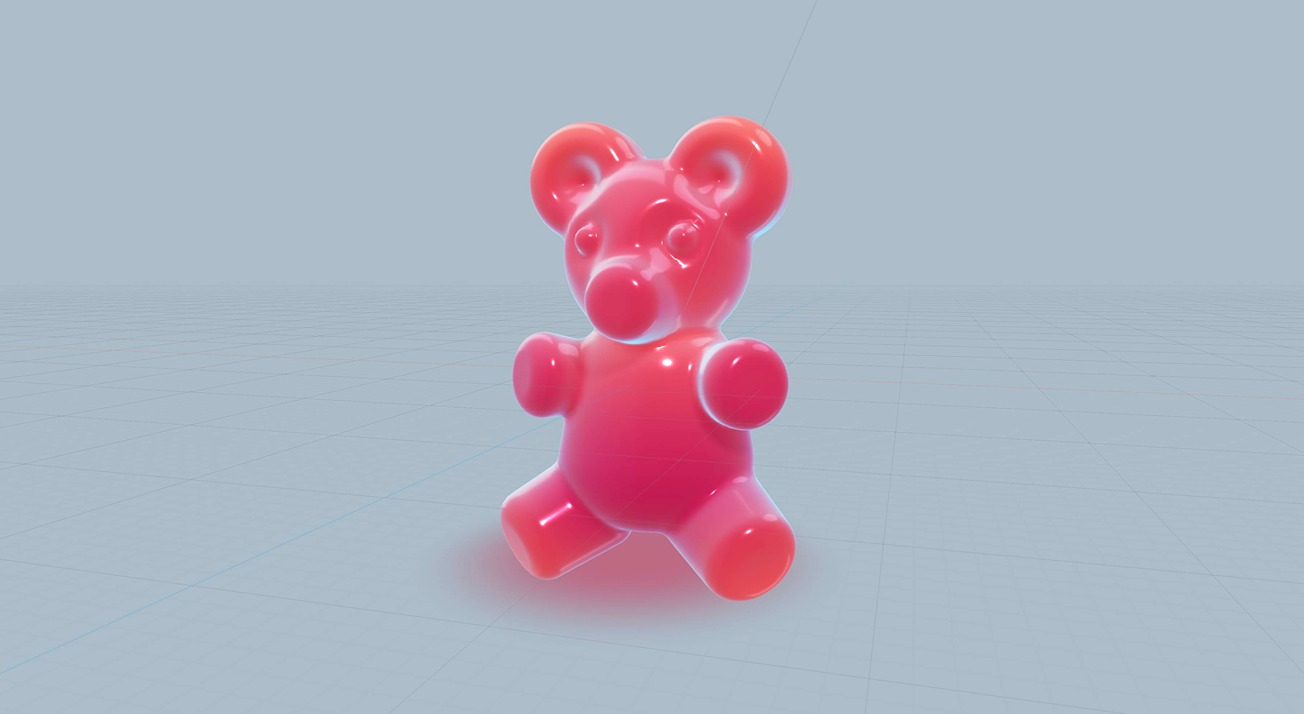
Hi there! Shape Blending isn’t just great for stunning visual effects. It’s also a fantastic tool for bringing characters to life! ✨ In this tutorial, we’ll walk you through each step to create your very own 3D gummy bear.
🐻 Remix: https://app.spline.design/file/02c2eae3-5d19-41ab-b649-46ac540b4206
Haven’t used Shape Blend before? 🤔
Check out our introductory tutorial! 👉 https://www.youtube.com/watch?v=JIcnI0kUnFM
---
Discover more amazing creators and projects #MadeInSpline at https://community.spline.design/
Related resources
- Gummy Bear
- Shape Blend
- Materials & Shading
Overview
Spline 3D
8min
Beginner
Up next

Create Animated 3D Blobs that React to Your Mouse
11minbeginner
Continue