Add Look At Animations to 3D Objects
In this tutorial, we will walk through the Look At event, a simple yet impactful way to make designs interactive. Learn how to make objects turn towards the cursor or other elements, customize properties like the target object, plane, damping, and direction, and apply the effect to characters and other objects.
Let’s get started!
Check out the Phunk site live here → https://www.phunk.co.uk/
Check out our Interactive Puffer Fish Tutorial Here 🐡 → https://youtu.be/eCxLYk2rNzg?si=GfZ7OHyqnQbIXfFI
Discover more amazing creators and projects #MadeInSpline at https://community.spline.design/
---
Related resources
- Component Characters
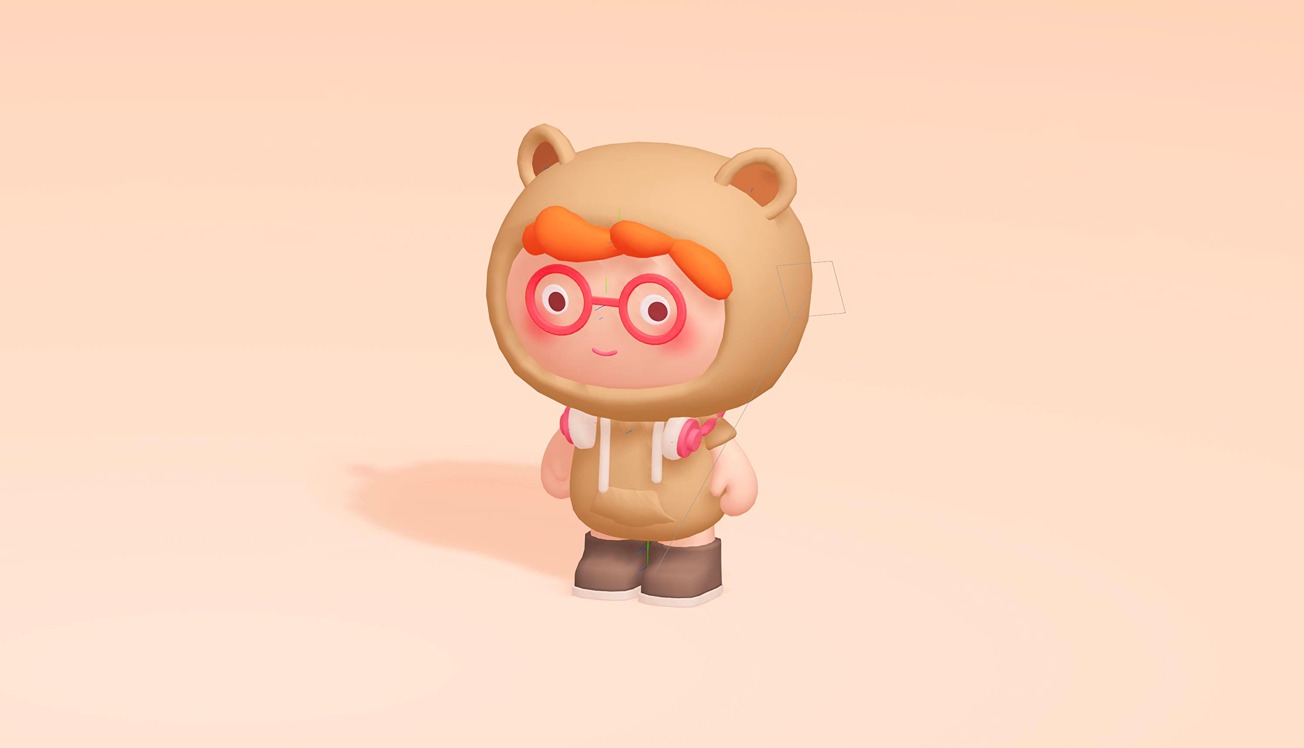
- Look At Event