Build a 3D Voxel Character
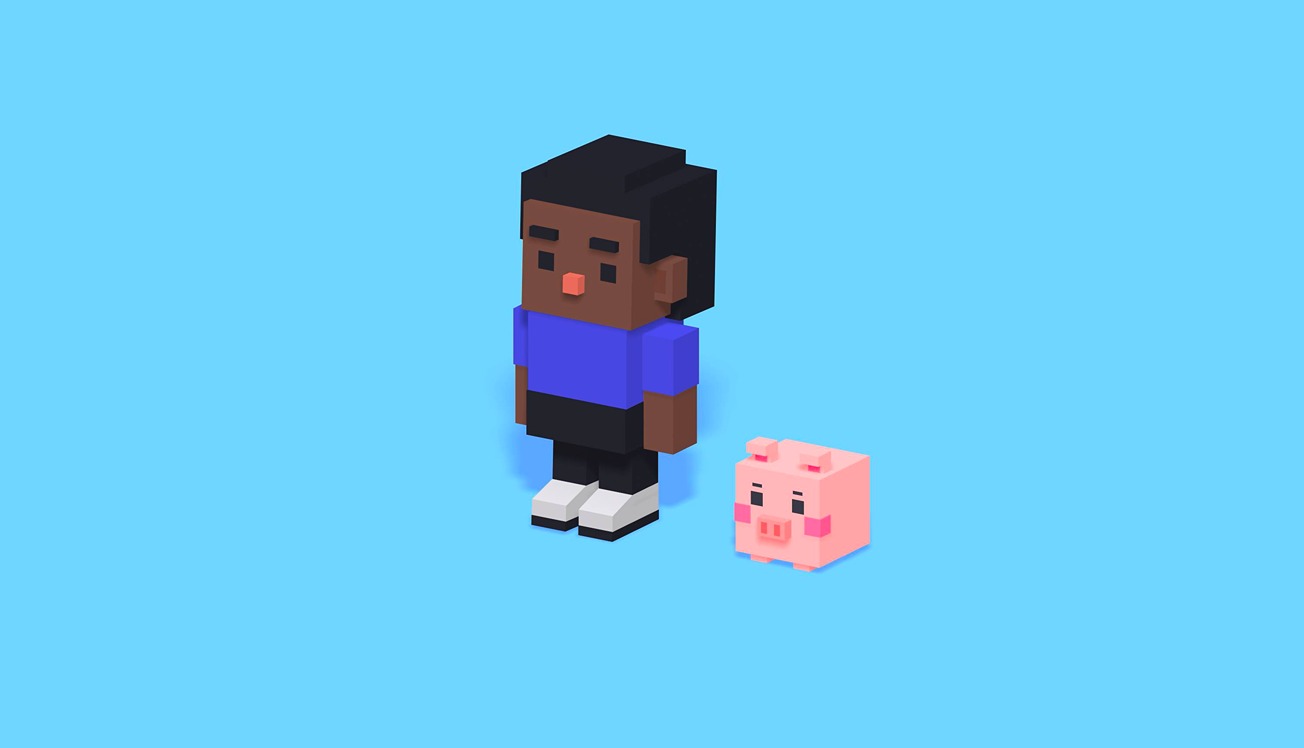
In this beginner-friendly tutorial, we’ll walk you through the fun process of creating a super cute piggy character in voxel style 🐷 a blocky, playful style that’s perfect for games and web projects because it’s both simple and charming. We’ll start from scratch using basic cubes to build your character, then move on to adding colors and materials. Along the way, you’ll learn essential tips on how to work in Spline, even if you’ve never used it before!
We’ll also show you how to create animations and add game controls so your scene becomes fully interactive.
By the end, you’ll know how to export your project for both web and mobile, ready to share with the world!
👇You can remix these designs and make them your own!
Avatars: https://app.spline.design/file/76c4d869-f82d-4ab4-981d-2e31d6e726d3
Interactive Mini Game: https://app.spline.design/file/876ad098-6501-484c-9789-24796b85b800
Learn more about: https://youtu.be/6g4XnfmD0tg
---
---
Go ahead and create your very own voxel avatar and don’t forget to share it with the community! We’d love to see what you come up with!