Build an Interactive Keyboard with Hana
Hi there! 👋
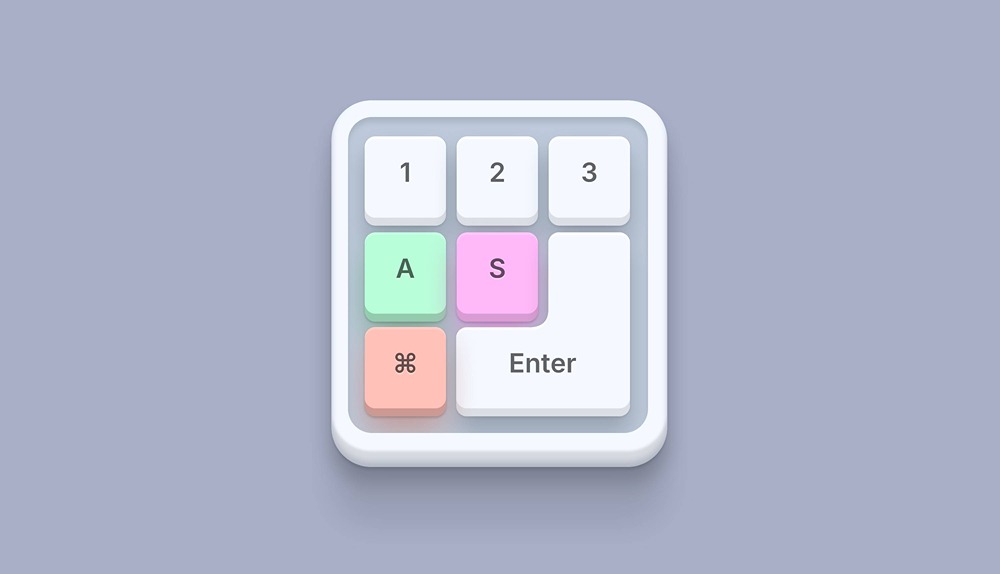
In this tutorial, you’ll learn how to create an interactive keyboard made 100% in Hana. We’ll go through how to add shadows to create depth to our designs and how to apply key events to interact with our scene using our real-life keyboard. This design is very flexible and can be used in a lot of different ways. Let’s dive in!
Remix this demo here: https://app.spline.design/ui/56d99098-8346-4abe-9e0a-674fdd6dcb0c
Related resources
- Interactive Keyboard
- Designing in Hana
- Interactivity in Hana