Create 3D Icons from Scratch
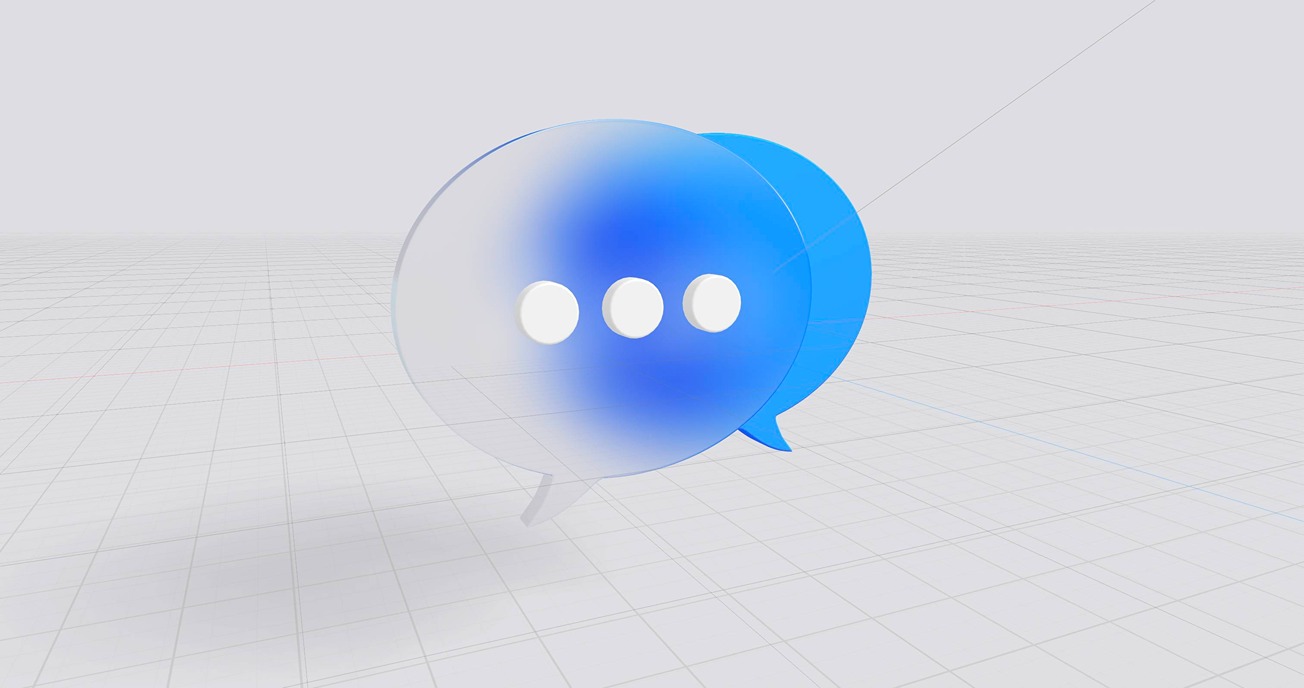
Hey there! In this tutorial, we delve into creating 3D icons using Spline, covering topics like transforming 2D vectors to 3D, using the pen tool, and importing and converting SVGs. Together we will create an icon from start to finish, adding materials to create a frosted glass effect. We also explore making icons interactive and leveraging them for web or app projects.
Let’s get started!
---
Resources here! 👋:
🏃Here is a great tutorial to learn more about making things interactive in Spline: https://www.youtube.com/watch?v=JPUSjRxQEKI&t=352s
🏗️ More ways to build in Spline:
https://www.youtube.com/watch?v=xc-ExwgYDQI
💻 3D for your Website:
https://www.youtube.com/watch?v=ncoSN9mgWe8&t=165s
💖 3D for iOS Projects:
https://www.youtube.com/watch?v=44OPMq7FdD0&t=18s
---
---
Discover more amazing creators and projects #MadeInSpline at https://community.spline.design/
---