Create a 2D Follow Interaction
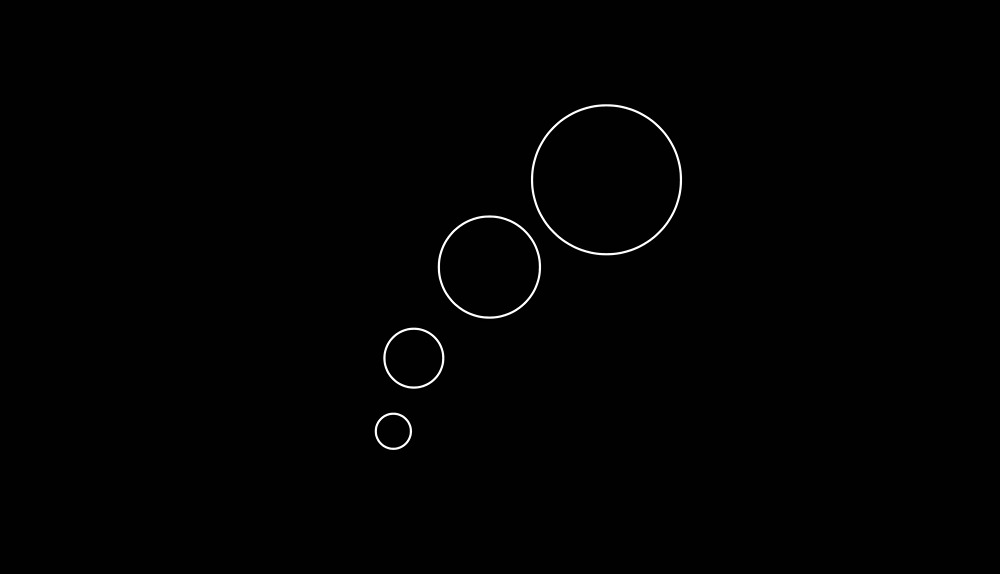
If this is your first time trying interactive 2D design, this is a great place to start! 😉 In this tutorial, we’ll guide you step by step through how to easily create a 2D interaction that follows your cursor (or tracks touch input on mobile devices) using Hana, a new real-time canvas for designing and animating interactive 2D experiences.
We’ll build this playful interaction by applying the Follow event to create a smooth, flowing chain reaction. It’s a fun and easy way to add a bit of motion and personality to your website or project.
Demo 👉 https://app.spline.design/ui/98440491-bf75-4e54-ab6f-afa16fc04f7e
Learn how to create this in 3D using Spline’s 3D Editor:
https://youtu.be/TQe5Ae16rE8
Related resources
- Follow Circles
- Designing in Hana
- Hana Events
- Exporting as Embed