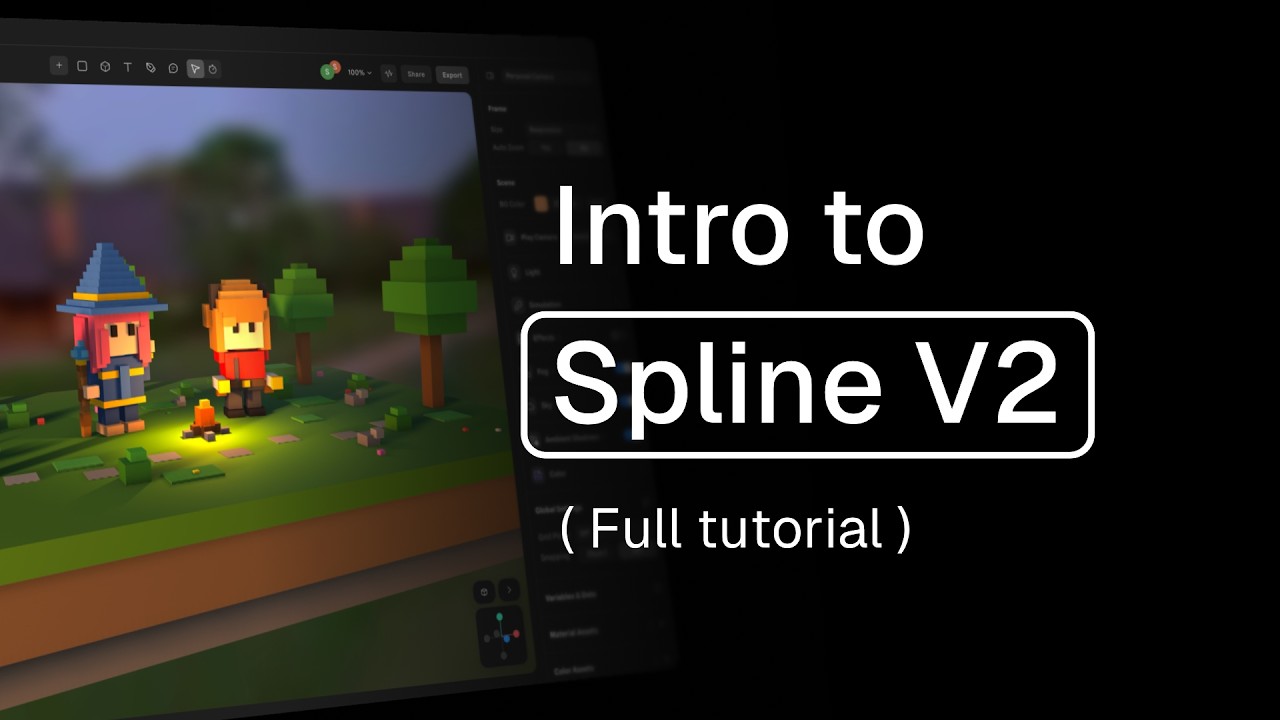
Create a 3D Scroll Animation & Integrate into Framer
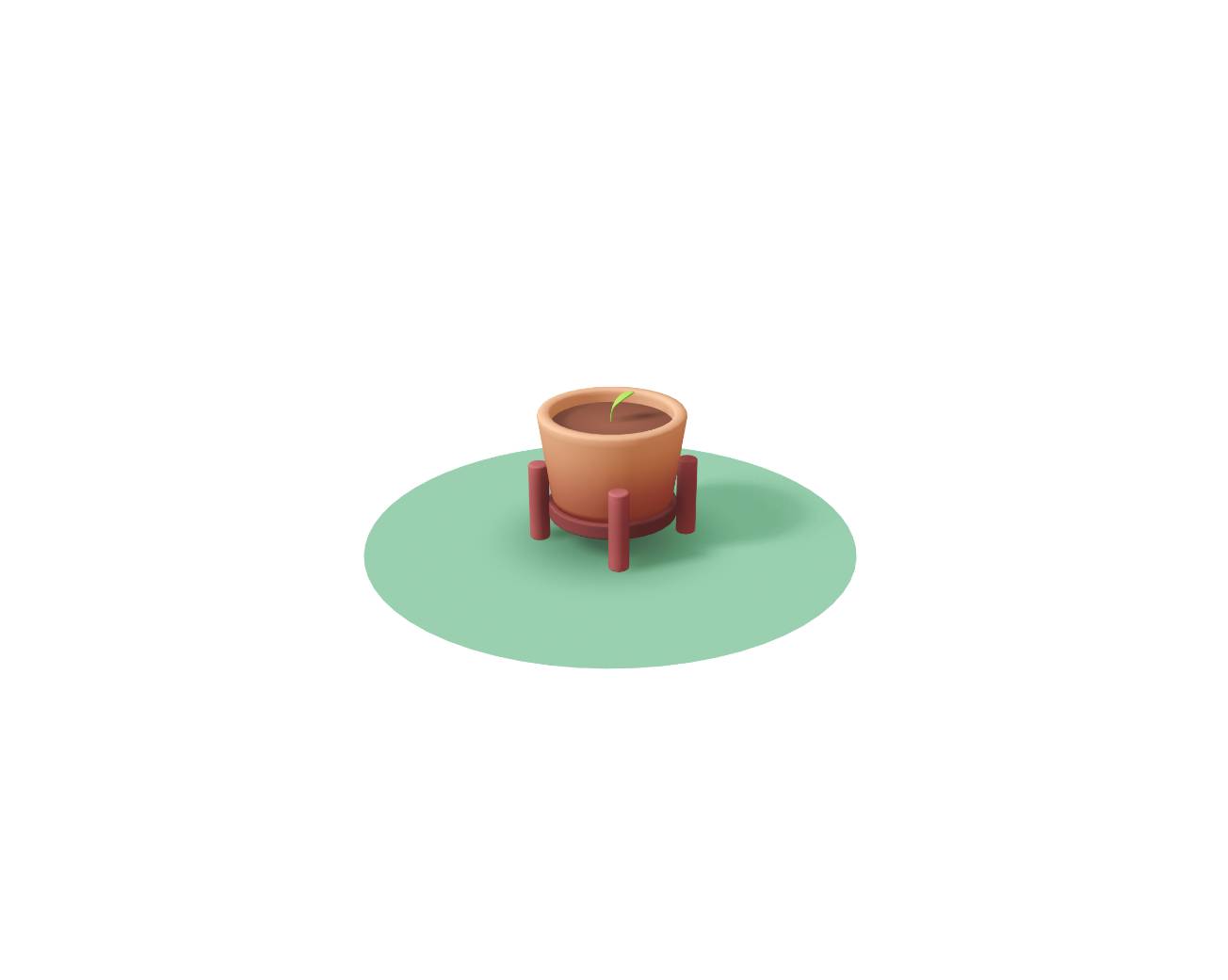
In this tutorial, we’ll learn how to create a 3D scroll animation where a plant grows as the user scrolls. We’ll set up scroll events, add transitions, and incorporate camera movement. Finally, we’ll embed the interactive 3D scene into a website using Framer as our web builder.
👇Use the links below to remix the design shown in the video:
🪴 Website and Final Scene Remix: https://inspired-walkthroughs-144071.framer.app/
🌱 3D Plant Design (no animations): https://app.spline.design/file/c4dc75ac-ebaf-4b00-a6cc-a1e47347f522
---
Discover more amazing creators and projects #MadeInSpline at https://community.spline.design/
Related resources
- Plant Growth Scroll
- How state-based animation works
- Scroll Event
- Integrating with Framer