Create an Interactive Switch with Progressive Blur and Gradients
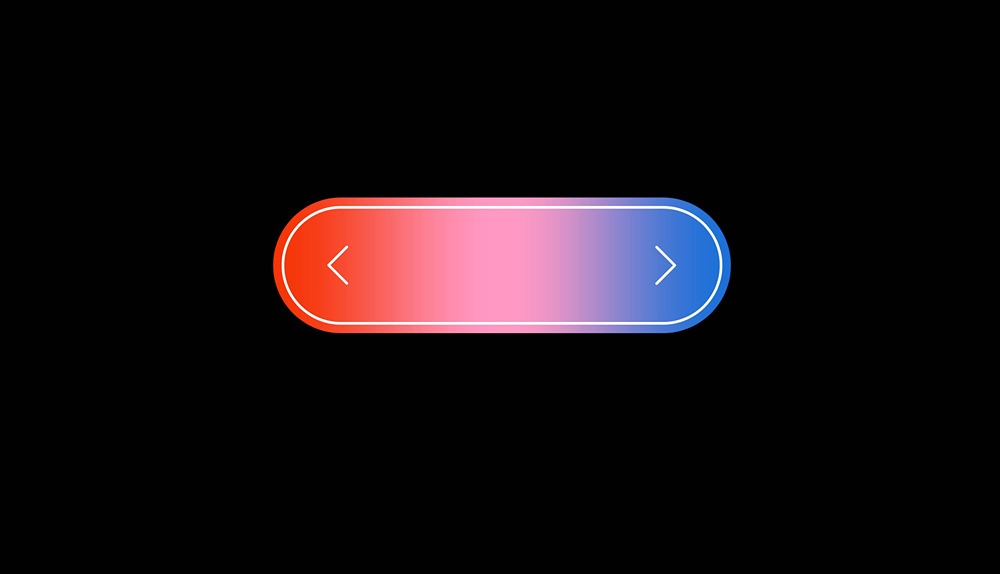
In this tutorial, we'll show you how to create an interactive switch made 100% in Hana using progressive blur + gradients, and a mouse hover event for the interaction. It's an interesting design that can be used in a variety of projects, and we'll walk you through each step.
Remix this demo here: https://app.spline.design/ui/f7cc3864-707e-492a-8148-0e1ea37be1d3
Related resources
- Progressive Switch
- Effects in Hana
- Interactivity in Hana