Create Interactive Designs That React to Your Mouse with Hana
In this video, we’ll give you an introduction and show various examples of how you can turn designs into interactive experiences so that your designs respond to your cursor using Hana. We'll explore events like Mouse Down, Mouse Up, Mouse Press, Mouse Hover, Look At, and Follow, and how to use them to trigger animations and effects.
Related resources
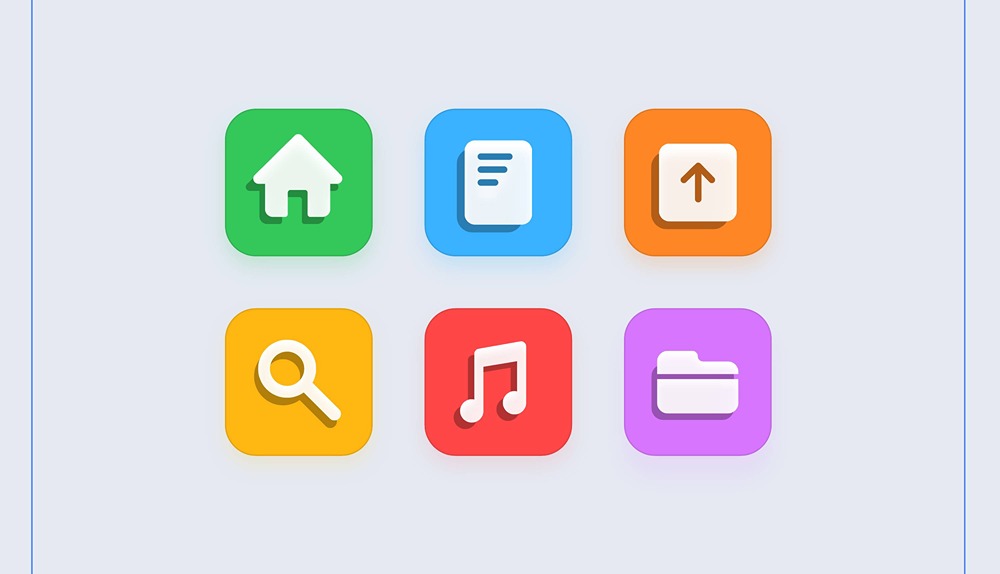
- Interactive Flat Icons
- Designing in Hana
- Interactivity in Hana