Create Playful 3D Abstract Illustrations in Spline
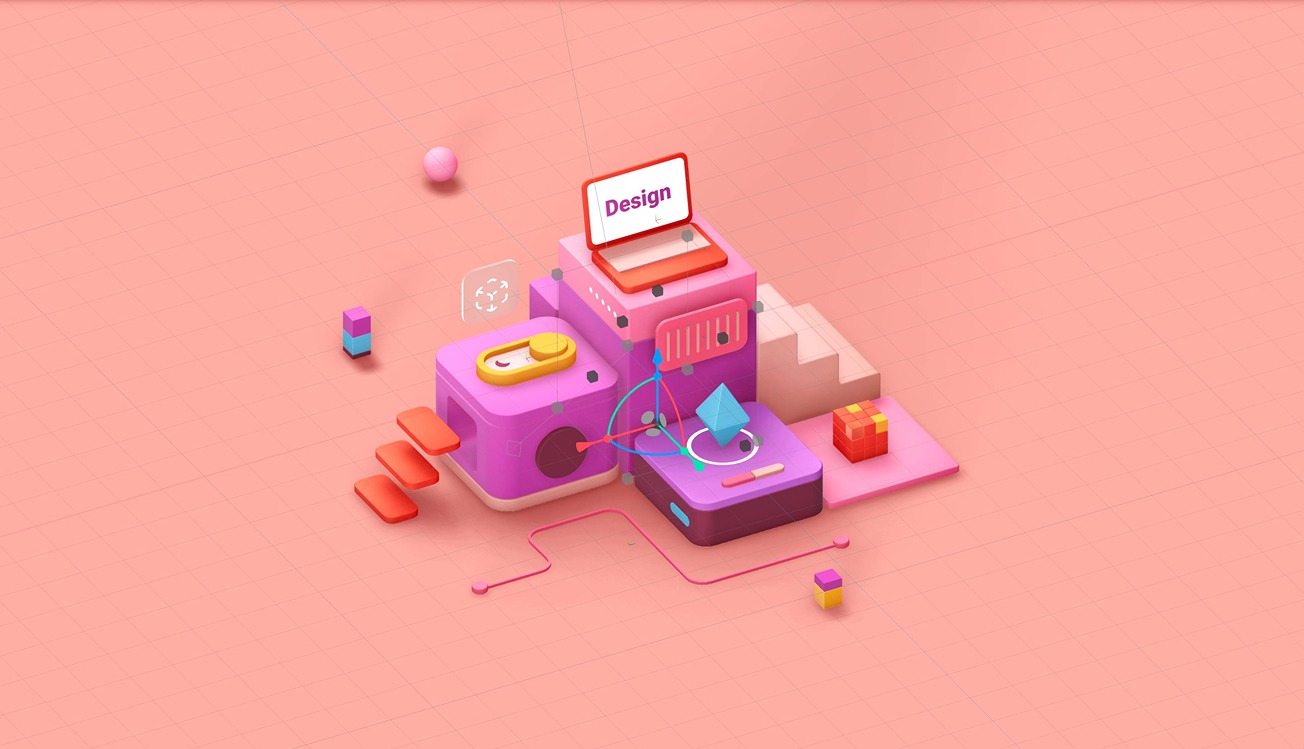
Hello! 👋 In this tutorial, we'll walk you through creating a minimalistic 3D abstract illustration from simple shapes, step by step.
It's a friendly guide, perfect if you're just starting in the 3D world and Spline.
We'll also show you how to create simple looping animations and make some elements of our scene interactive, like hovering over shapes to trigger size change effects.
Let us know in the comments if there's anything else you'd like to learn!
Share your version of your own 3D illustration in our community! 💖 We'll love to see what you have created!
🔮 Spline Community → https://community.spline.design
Learn how to create an interactive 3D toggle:
https://www.youtube.com/watch?v=zkw5GT9nYS8&t