Deep Dive into Hana’s New Features: Figma Import, Pencil Tool, Frame as Fill & More
Hana keeps evolving! 🎉 And this update makes designing feel faster, lighter, and more playful.
In this video, we take a quick tour of the newest features in Hana, from bringing Figma designs straight into your canvas, to turning flat 2D frame into dynamic 3D experiences.
You’ll explore:
- Projecting live 2D frames onto 3D meshes
- A smoother Figma-to-Hana workflow
- Better organization with Pages
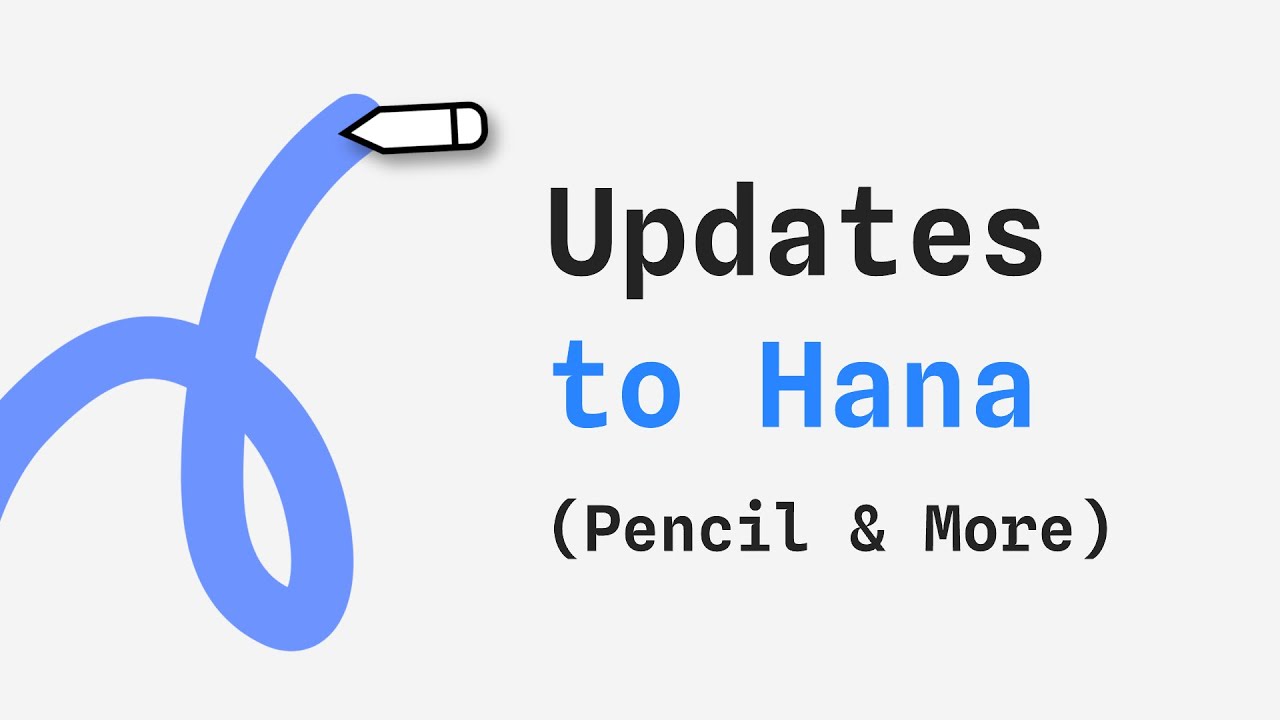
- Freehand drawing with the new Pencil Tool
- More expressive strokes using gradients and images
All features are available now in Hana. ✨
💬 Got questions? Drop them in the comments below!
⏲️ Chapters:
- 00:00 Intro
- 00:36 Frame as Fill
- 01:22 Copy/Paste from Figma
- 01:49 Pages
- 02:07 Pencil Tool
- 02:46 Gradients/Images on Strokes
- 03:12 Outro
👍 Don't forget to like and subscribe for more Spline tutorials and news
Links:
🌸 Hana → https://spline.design/hana
💖 Spline → http://app.spline.design
📚 Spline Docs → https://docs.spline.design
👋 Spline Community → https://app.spline.design/community
Our Socials:
📷 Instagram → / splinetool
🎵 TikTok → / splinedesign
💙 LinkedIn → / splinetool
🐦 X → / splinetool
👾 Discord → / discord