Design Interactive Effects with Progressive Blur and Smoothing Gradients
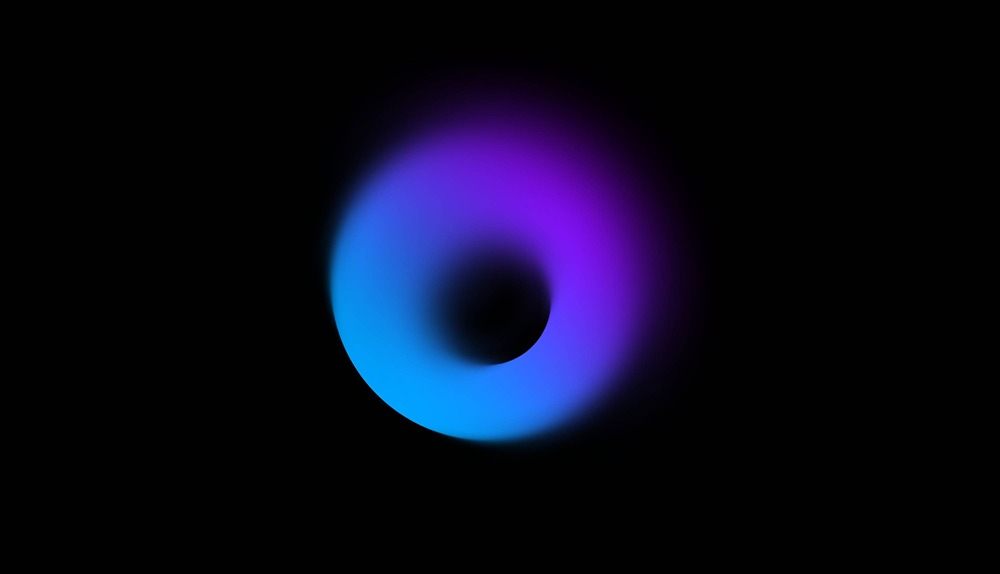
In this tutorial, we’ll explore various styles and techniques for creating soft, sophisticated designs using smooth gradients and progressive blur, and how to transform them into interactive experiences in Hana.
We’ll start by explaining how to add gradients and blur effects to shapes, then move on to creating interactive elements like hover animations, cursor-following effects, looping animations, and layered blur effects. All of this is ready to be embedded into your web project, no coding needed! 👌
Demo scenes: https://app.spline.design/ui/f7cc3864-707e-492a-8148-0e1ea37be1d3
Related resources
- Circular Blur
- Effects in Hana
- Interactivity in Hana