Design Stylized 3D Text with Paths
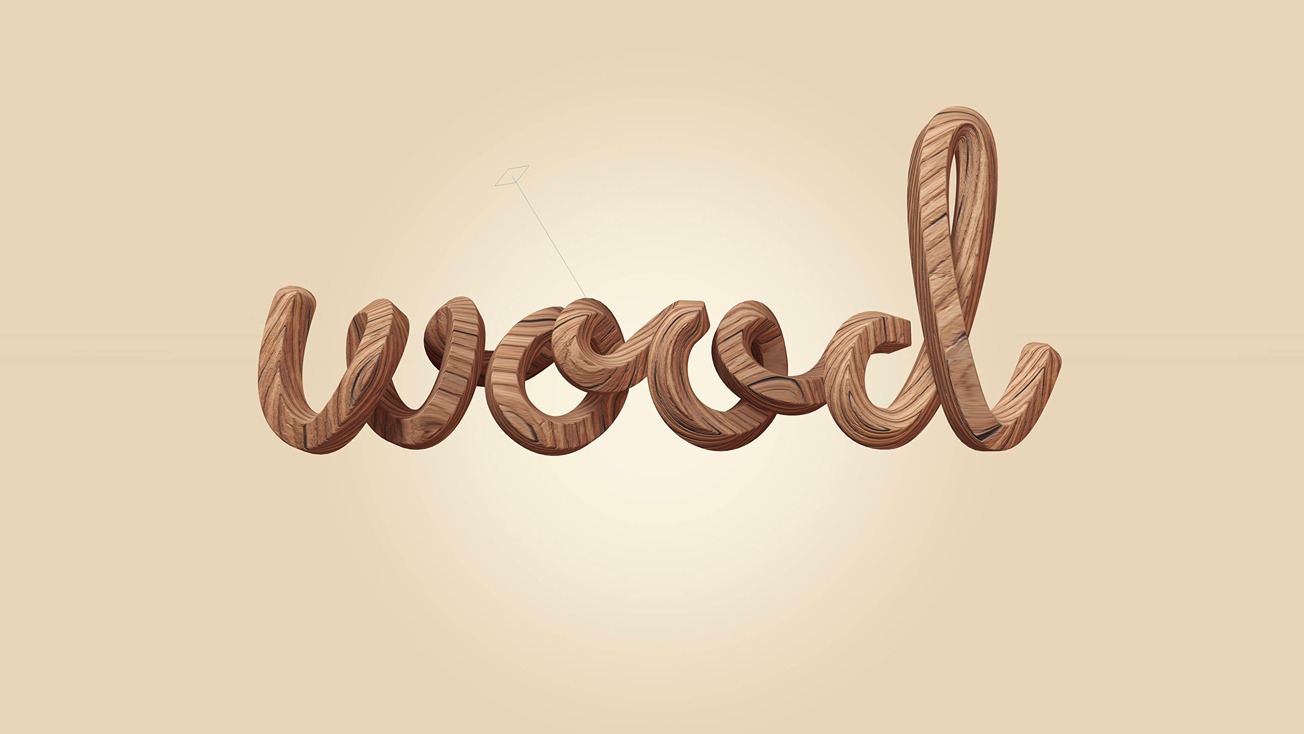
Hey there, welcome back! In this tutorial, we teach how to use 3D paths in Spline to create 3D cursive text with detailed textures.
Check Spline: https://spline.design/
We start by selecting our reference, using the path tool to trace the text, and then making it look more 3D by adjusting the path points in the 3D space.
The Parth tool is a very user-friendly and easy-to-use feature.
We especially recommend this tutorial for beginners. It's a good way to start exploring 3D space 🚀
Learn more about 3D Paths: https://youtu.be/5pU7tGajw2E?si=lJhYUSbOT0busEhm
Any suggestions for the next tutorial topic? 🤔
Let us know in the comments! 💬 ❤️
Related resources
- Wood 3D Paths
- 3D Paths
- Image Layer
- Bump Map & Roughness Map