Get Started with 3D in Spline
✨ Updated Video!✨
We’ve reuploaded this video with more examples and little insights! 💡
Hope this makes things even clearer, especially for those just getting started!
Drop a comment 💬 and let us know what you'd love to learn in our next tutorial! 😊
---
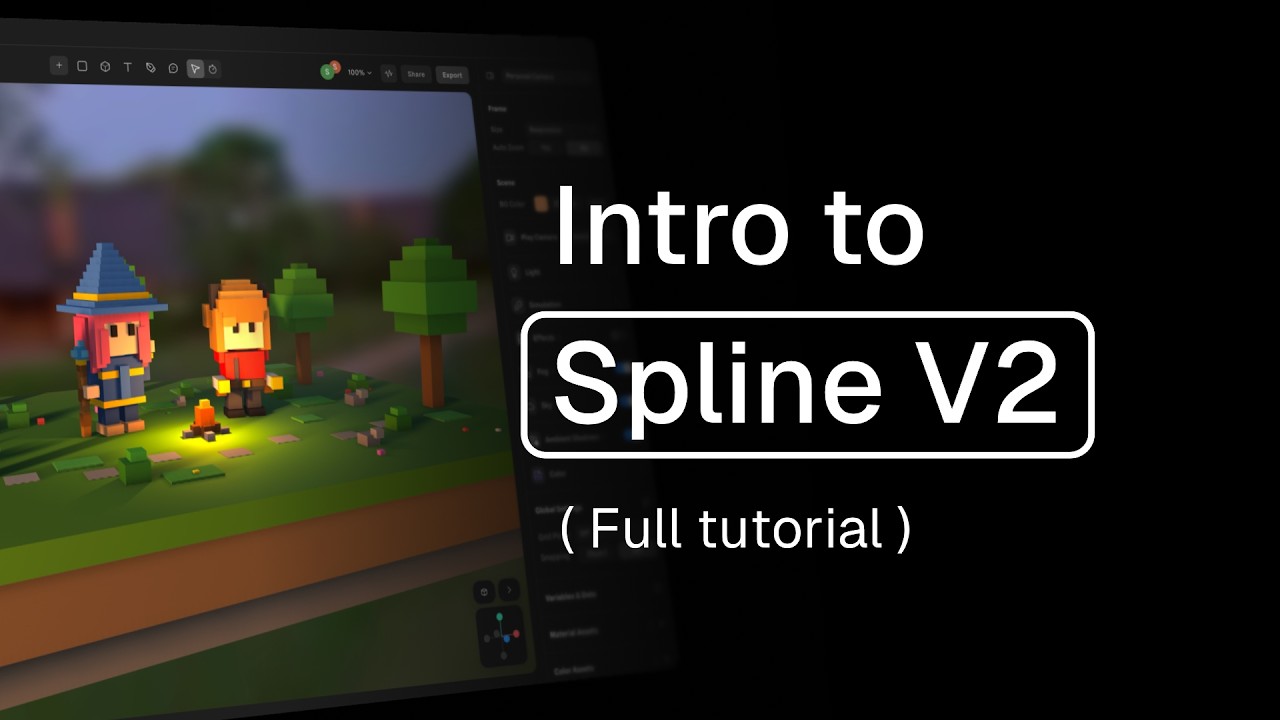
If you haven’t tried Spline yet, this video is perfect for you! It’s designed especially for beginners who have no prior experience with Spline or 3D creation.
In this video, we’ll guide you step by step through Spline. You'll learn how to navigate the interface, create and manipulate 3D objects, animate scenes, move the camera, export and import content, and more. Plus, we’ll share useful tips to help you work more efficiently and connect with the Spline community.
By the end of this tutorial, you'll have a solid foundation to start creating in Spline. Let's dive in! 🚀
Learn more about:
Shape Blend → https://youtu.be/JIcnI0kUnFM
3D Animation → https://youtu.be/pUamUyt7EDU
Booleans → https://youtu.be/Ib-OD9gfBFI
Modeling Tools → https://youtu.be/JlrzLhEwMGI
3D For Websites → https://youtu.be/ncoSN9mgWe8
Discover more amazing creators and projects #MadeInSpline at https://community.spline.design/