How to Add Interactive Designs Made in Spline into Figma
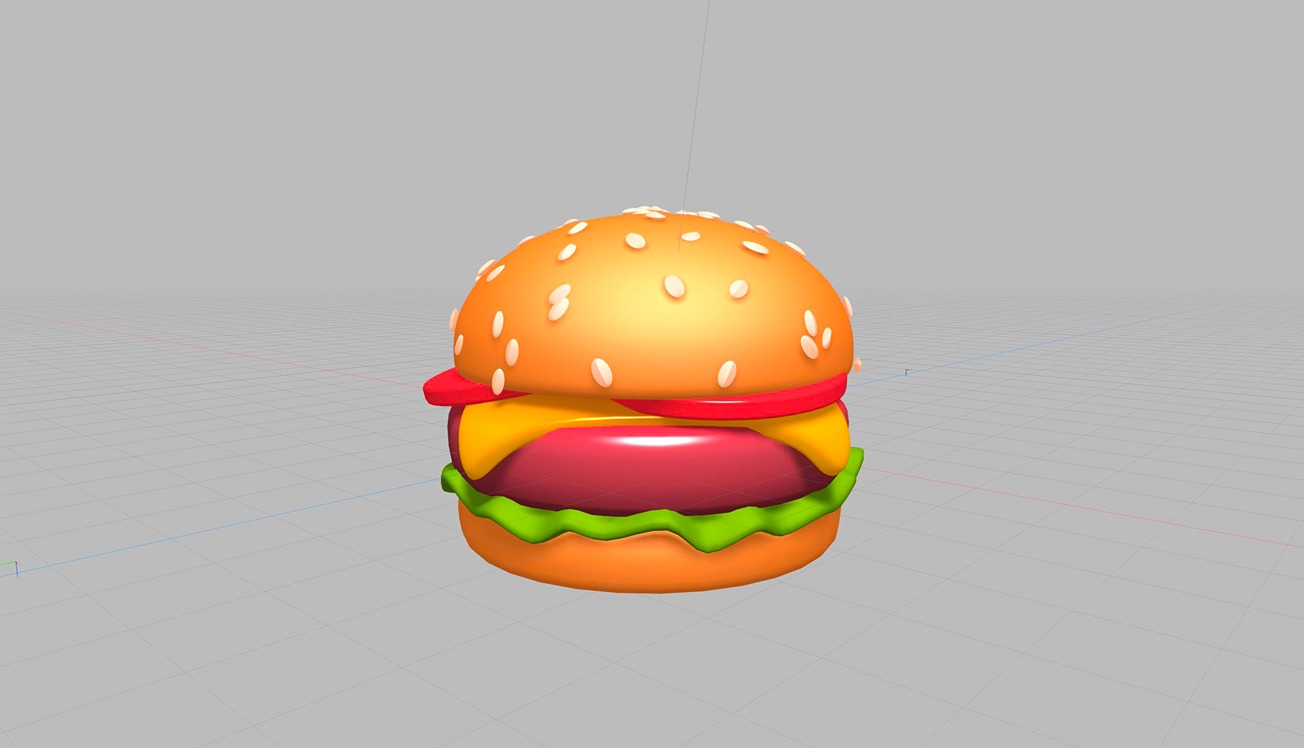
In this tutorial, we'll start by showing you how to transform a 3D burger design made in Spline into an interactive experience. Then, we'll guide you on how to export and embed this scene into Figma using the Anima Plugin.
Check Spline: https://spline.design/
Download and learn more about the Anima plugin at https://www.animaapp.com/figma
🍔 Remix: https://app.spline.design/file/84edf867-cc15-4fd3-a379-d46b3de66750
👉 With Spline, you can not only embed 3D scenes into your projects but also generate native apps for iOS. Explore your 3D on the Apple VisionPro by exporting your designs to Spline Mirror for visionOS.
More information on this at https://spline.design/ios#app-generation
💖 Join our Community 👉 http://discord.gg/spline