How to Create a 3D Carousel Interaction
🎡 In this tutorial, we’ll dive into creating a fun 3D carousel interaction using the magic of variables!
We’ll walk you through each step, from positioning objects and setting up radial cloning to creating smooth rotation effects triggered by user clicks.
👉 Remix the Carousel Demos Featured in the Tutorial! 👇
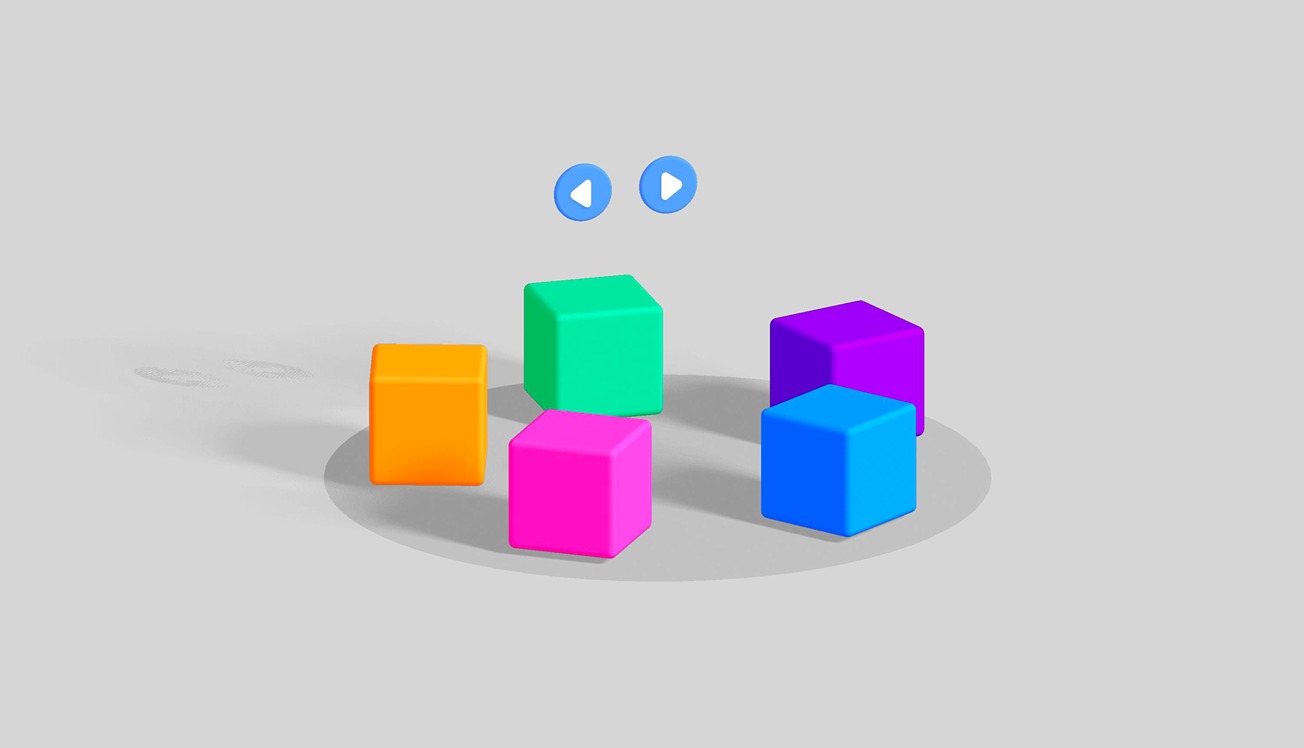
Basic 3D Cubes Carousel Example:
https://app.spline.design/file/7a7cdf26-ca54-4690-a76d-247dcaaf257a
3D Cards Carousel:
https://app.spline.design/file/f2857f06-7a97-4245-a43e-fe88503913d4
---
🧑🏫 Learn more about Variables:
https://www.youtube.com/watch?v=Id_SZVCUVMM
https://www.youtube.com/watch?v=eCxLYk2rNzg
---
Discover more amazing creators and projects #MadeInSpline at https://community.spline.design/
---
Related resources
- Basic 3D Cubes Carousel
- Cloner Motion
- Variables
- Mouse Down Event