How to Create Interactive Magical Particles in Spline
Particles are fun to explore, it's amazing what you can create with them!
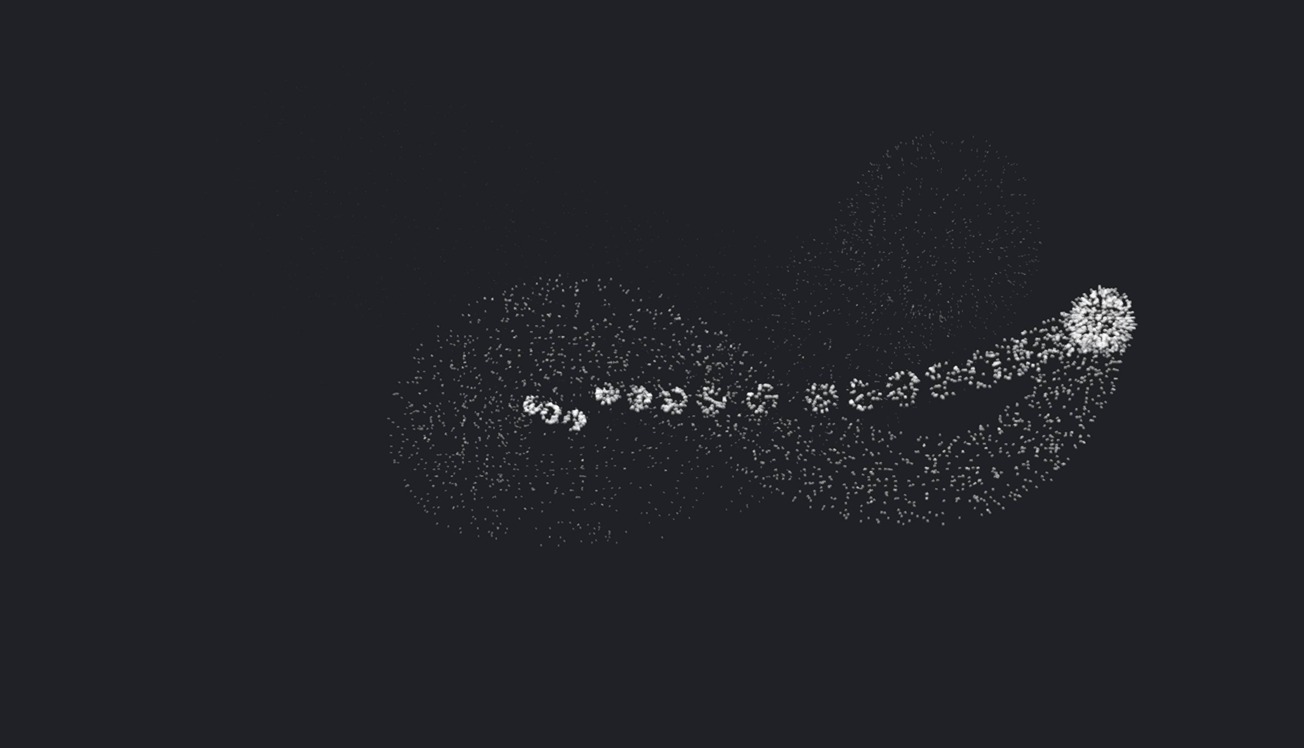
🪄✨Today, we'll make you feel like a wizard 🧙♂️ as we guide you through creating an interactive magical sphere using Particles in Spline. This feature is easy to use, and you can embed the result on your website or explore it interactively on VisionOS.
For a more in-depth tutorial on Particles, check out this:
https://youtu.be/lRhLWE_cXkc
Want to see other ways to use Particles? Check out these examples from the Spline Community:
Particle Nebula by @axelcastillo
https://app.spline.design/community/file/cea96ce0-da30-46cc-bd5c-dc73a6497abd
Particles by @auroregmbt
https://app.spline.design/community/file/3ff7b617-2fe9-46c7-8e06-b6d7c382f4db
Particles Hand by @aamarciales
https://app.spline.design/community/file/4f20ce3b-9705-4c29-96a3-85fe6937eb87
Particle Planet by @BigLoong
https://app.spline.design/community/file/d3129b07-78f3-4740-8796-40e0a6db2ba8
Related resources
- Magical Particles
- Particles
- Drag and Drop Event
- Particles Control Action