How to Use AI Image Generation in Hana
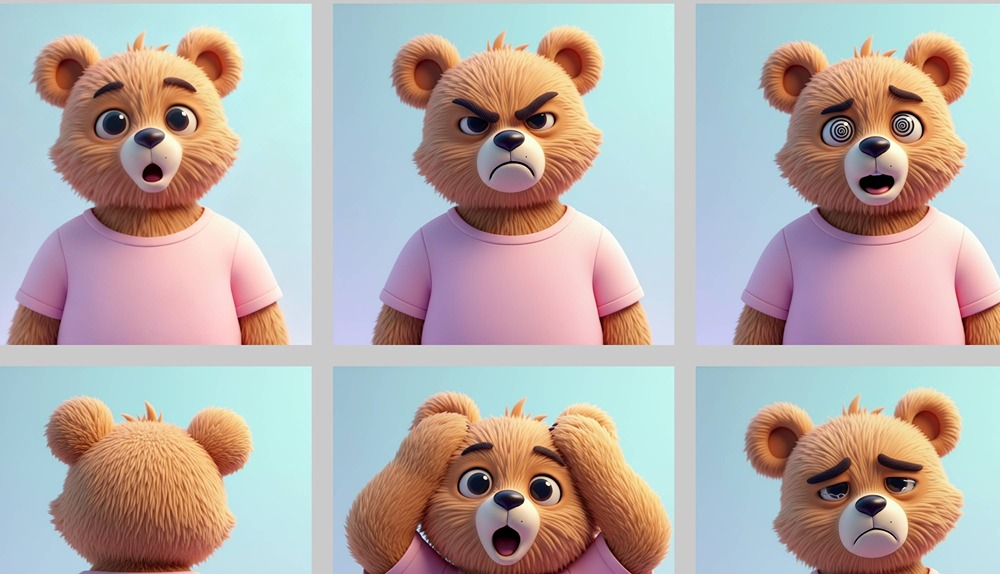
Learn how to use Hana's new AI image generation tools to create, modify, and refine visuals right inside Spline's 2D editor.
We'll walk you through everything from generating images with text prompts and combining multiple assets, to using frames as references, creating variations, removing backgrounds, upscaling images, and adding interactive elements that really bring your designs to life.
You'll also learn how to export your work and share it with the Spline community, all without ever leaving your design workflow.
Related resources
- Hana AI Image Generation
- AI in Hana